
Does Arby’s Take Apple Pay? (2026 Complete Guide)
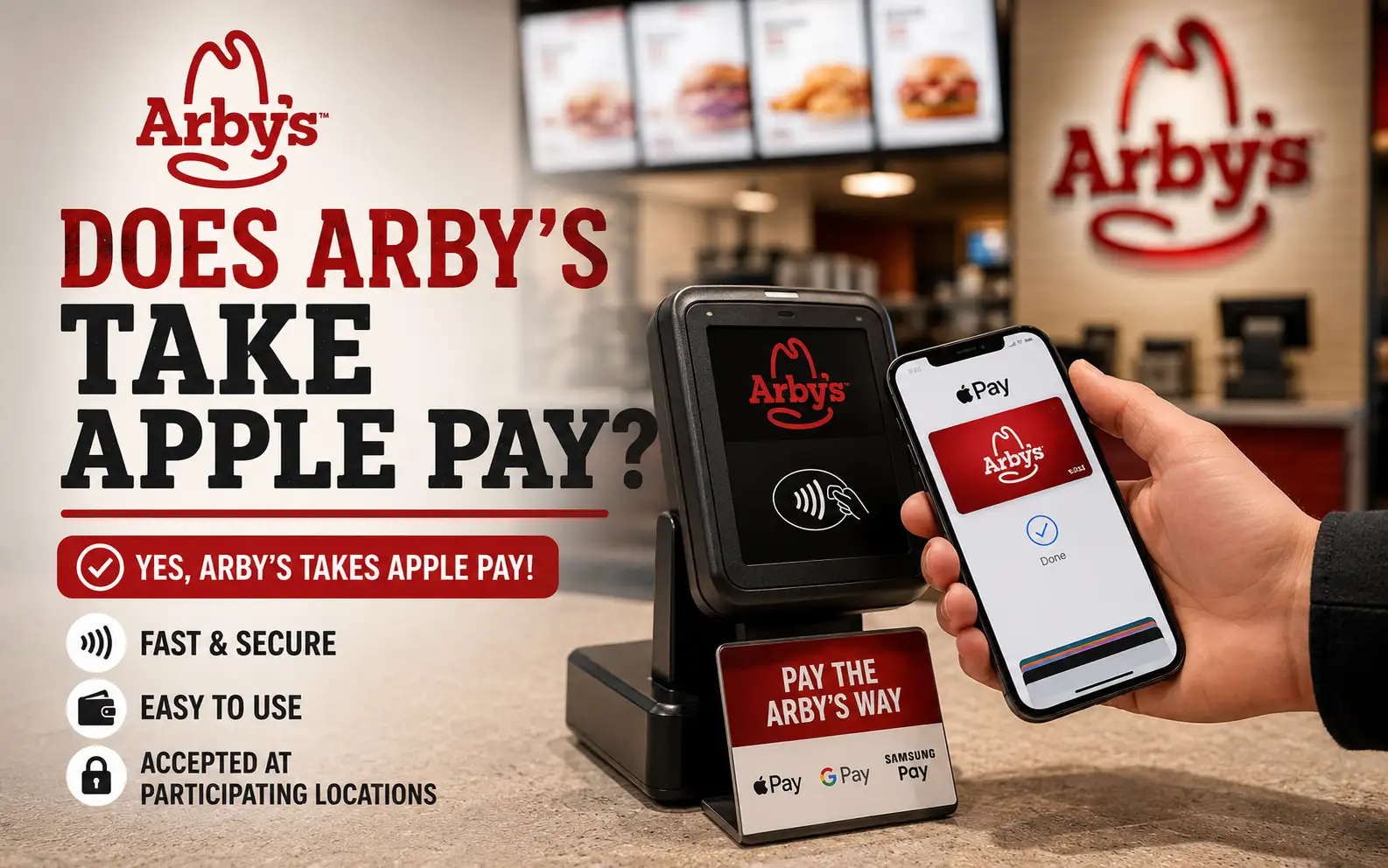
Wondering, “Does Arby’s take Apple Pay?” If you’re planning to order at the counter, drive-thru, or through the Arby’s app, knowing which payment methods are accepted can help you avoid surprises at checkout. Payment options may vary slightly between locations, especially at independently operated franchise restaurants. In this guide, you’ll learn where Apple Pay works at Arby’s, how to use it, how it connects with Arby’s Rewards, common payment issues to watch for, and the alternative payment methods available.
Quick Answer — Does Arby’s Take Apple Pay?
Yes. Arby’s accepts Apple Pay at the vast majority of its 3,400+ U.S. locations. You can use it at:
● Front counter registers
● Drive-thru payment windows
● Self-service ordering kiosks
● Arby’s mobile app (for pickup and carryout orders)
The only exception is a small number of older franchise locations that have not yet upgraded to NFC-compatible payment terminals. At those spots, you’ll need to use a card or cash instead.
Does Arby’s Take Apple Pay in the Drive-Thru?
Yes, Arby’s drive-thru windows at most locations support Apple Pay through NFC (Near Field Communication) contactless readers. When you pull up to the payment window, simply hold your iPhone or Apple Watch near the reader, authenticate with Face ID or Touch ID, and the payment goes through in seconds. You don’t need to hand over a card or handle a keypad.
A practical tip: if you’re unsure whether your specific location has NFC support at the drive-thru, mention to the cashier at the speaker that you plan to use Apple Pay. This avoids any delay or confusion at the window. Most modern Arby’s drive-thrus are fully equipped, but some older franchise setups may still use terminals without tap-to-pay support.
How to Use Apple Pay at Arby’s — Step by Step
Using Apple Pay at Arby’s is quick and straightforward. The process is slightly different depending on where you’re ordering.
At the Front Counter or Kiosk
1. Tell the cashier your order and wait for the total to appear on screen.
2. Double-click the side button on your iPhone to open Apple Wallet.
3. Select the card you want to use if you have more than one saved.
4. Hold the top of your iPhone near the contactless symbol on the payment terminal.
5. Authenticate with Face ID, Touch ID, or your passcode.
6. Wait for the green checkmark and haptic vibration — payment is complete.
At the Drive-Thru Window
1. Place your order at the speaker as usual.
2. When you reach the payment window, let the cashier know you’re paying with Apple Pay.
3. Double-click the side button on your iPhone (or double-click the side button on Apple Watch).
4. Hold your device near the NFC reader at the window.
5. Confirm with Face ID or Touch ID — done.
Through the Arby’s Mobile App
1. Open the Arby’s app and build your order.
2. Proceed to checkout and select Apple Pay as your payment method.
3. Confirm payment with Face ID or Touch ID.
4. Pick up your order at the counter or curbside when ready.
💰 Ordering through the app with Apple Pay also lets you earn Arby’s Rewards points automatically, more on that below.
Does Apple Pay Work With Arby’s Rewards?
Yes, and this is one of the most useful things about using Apple Pay at Arby’s. When you pay through the Arby’s mobile app using Apple Pay, your Rewards points are credited to your account automatically. You earn points on your total order just as you would with any other payment method.
If you’re paying in-store or at the drive-thru with Apple Pay (not through the app), make sure you scan your Arby’s Rewards QR code or enter your phone number at the register first, before tapping to pay. This links your purchase to your Rewards account so you don’t miss out on points. The payment method itself, Apple Pay, card, or cash, does not affect whether you earn Rewards, as long as your account is properly scanned or linked before completing the transaction.
Does Arby’s Accept Google Pay and Samsung Pay?
Yes. Arby’s payment terminals that support Apple Pay also support Google Pay and Samsung Pay, since all three use the same NFC contactless technology. Android users can tap their phone at the same reader and complete payment the same way. The process is identical, open your digital wallet, authenticate, and hold your device near the contactless symbol.
Payment Method | Works at Arby’s? | Where |
Apple Pay | ✅ Yes (most locations) | Counter, Drive-Thru, App, Kiosk |
Google pay | ✅ Yes (most locations) | Counter, Drive-Thru, Kiosk |
Samsung Pay | ✅ Yes (most locations) | Counter, Drive-Thru, Kiosk |
Apple watch | ✅ Yes | Counter, Drive-Thru |
Contactless Credit/Debit Card | ✅ Yes | Counter, Drive-Thru, Kiosk |
Physical Credit/Debit Card | ✅ Yes | Counter, Drive-Thru, Kiosk |
Arby’s Gift Card | ✅ Yes | Counter, Drive-Thru, App |
Cash | ✅ Yes | Counter, Drive-Thru |
What Payment Methods Does Arby’s Accept Overall?
Arby’s accepts a wide range of payment options to make ordering easy no matter how you prefer to pay. Cash is accepted at all locations. Major credit and debit cards, Visa, Mastercard, American Express, and Discover, are accepted everywhere. Contactless tap-to-pay cards work wherever NFC terminals are available. Arby’s Gift Cards can be used in-store, at the drive-thru, and within the app. Mobile wallets including Apple Pay, Google Pay, and Samsung Pay are supported at most locations with modern payment hardware.
⚠️ The one area where options may be limited is at older franchise locations with outdated terminals. These stores may not accept tap-to-pay in any form, mobile wallet or contactless card. If you’re visiting a location you’ve never been to before, it’s worth calling ahead or checking the Arby’s app to confirm.
Why Use Apple Pay at Arby’s? Real Benefits Worth Knowing
There are a few practical reasons why Apple Pay is a genuinely better option than a physical card or cash when ordering at Arby’s.
🚀 Speed
Apple Pay transactions complete faster than chip card payments. At a busy Arby’s lunch rush, this means less time at the register and more time enjoying your Beef ‘n Cheddar or Curly Fries.
🔒 Security
Apple Pay never shares your actual card number with Arby’s. Instead, it generates a unique transaction code every time you pay. This means even if a terminal were ever compromised, your real card details stay protected.
🧼 Hygiene
You never have to touch the payment keypad or hand over a card. For customers who prefer minimal contact, especially during ordering, this is a real advantage.
✅ Convenience
Your iPhone or Apple Watch is always with you. You don’t need to carry a wallet, and you can pay just as easily at the drive-thru window as you can at the counter inside.
Common Reasons Apple Pay Might Not Work at Arby’s
Even at locations that normally support Apple Pay, occasional issues can come up. Here are the most common reasons and what to do about each one.
The terminal doesn’t have NFC support. Some older Arby’s franchise locations haven’t upgraded their payment hardware yet. If the reader doesn’t show a contactless symbol (the wave/wifi-like icon), Apple Pay won’t work. Pay with a card or cash instead.
Contactless payments are temporarily disabled. Sometimes a terminal glitch or system update causes the tap-to-pay function to stop working even on NFC-capable hardware. Ask the cashier, they can often reset it or direct you to another register.
Your Apple Wallet isn’t set up correctly. If no card is showing in your Wallet, or your default card has expired, Apple Pay won’t go through. Open the Wallet app and verify your card is active before you get to the register.
Your device software is outdated. Older iOS versions can cause Apple Pay glitches. Keep your iPhone or Apple Watch updated to the latest version for the smoothest payment experience.
Network or connectivity issue at the terminal. Occasionally the store’s payment system loses connection. This affects all card payments, not just Apple Pay. Wait a moment and try again, or use cash as a backup.
How to Check If Your Arby’s Location Accepts Apple Pay
📱 Arby’s App
Go to the location finder, select your nearest restaurant, and check the listed payment options. The most reliable source.
🗺️ Google Maps
Search “Arby’s near me”, many listings include payment method details in the info section.
💳 Look for the contactless symbol
When you arrive, check the payment terminal for the tap-to-pay wave icon. If it’s there, Apple Pay will work.
💸 Ask the cashier
The fastest confirmation, especially at the drive-thru speaker before you place your order.
📞 Call the store directly
For same-day trips where you want to be certain, a quick call takes 30 seconds.
Frequently Asked Questions

Recent Posts
Leave a Reply