Buy, Use, Activate & Check Balance
Everything you need to know about Arby’s gift cards in one place, from where to buy and how to activate, to checking your balance and bulk ordering for businesses.
Arby’s Gift Card 2026: Buy, Use, Activate & Check Balance
If someone handed you an Arby’s gift card today, would you know exactly what to do with it? Most people don’t, not right away. They’re not sure where to buy one, what amounts are available, whether it expires, or how to check what’s left. This guide covers every question about the Arby’s gift cards so you can buy, use, and manage it with zero confusion. You can explore the full Arby’s menu to decide what to spend yours on before you even walk in.
What Is a Gift Card at Arby’s?
A gift card is a prepaid card that holds money you can spend at participating Arby’s restaurants across the United States. It works like a debit card, but it only works at Arby’s. You load money onto it, then use that balance to pay for food at the counter, drive-thru, or through the Arby’s app when ordering in-restaurant.
You don’t need a bank account, a credit score, or any kind of login to use it. It’s also one of the easiest gifts to give someone who loves Arby’s roast beef sandwiches, curly fries, or Jamocha shakes. No guessing, no sizing, just money they can spend exactly how they want.
Arby’s gift cards are issued by Arby’s Restaurant Group, Inc. (ARG Services, Inc.), and they are valid at participating U.S. locations only. Some franchise-owned locations may not accept them, so it’s always worth confirming with the specific restaurant ahead of time if you’re unsure.
Types of Gift Cards at Arby’s
There are two main versions of the Arby’s gift cards, and they both work the same way at the register. The one you choose depends mostly on how fast you need it and whether you’re giving it as a gift or keeping it for yourself.
Physical Gift Card
A plastic card you can hold in your hand. Pick one up at a participating Arby’s location or a retail store like Walmart or Target. It’s great for gifting because you can wrap it, slip it in a card, or put it in an envelope. The card number and PIN are printed right on it.
Arby’s eGift Card
A digital version delivered to an email inbox. The recipient can show it on their phone at the register or print it out. Perfect when you need a gift fast, it can arrive within minutes of purchase. eGift cards are available in amounts from $15 to $100 on platforms like eGifter and Amazon.
Both types are accepted at participating Arby’s locations in the U.S. the same way. The only real difference is how you receive it and how quickly it arrives.
Where to Buy an Arby’s Gift Card
You’ve got more options than most people realize. Arby’s gift cards are sold through official channels as well as major retailers both in-store and online, giving you flexibility in how you buy and how fast you receive it.
Arby’s Official Website
Go to arbys.com/gift-cards, choose your design, select an amount, and check out. You can order a physical card with standard shipping or an eGift card delivered by email the same day. Buying here means the card is valid and properly activated.
At an Arby’s Restaurant
Walk up to the counter and ask for a gift card. The team member loads any dollar amount you request right there. This is a great option if you’re already stopping in for a meal and want to pick one up at the same time.
Major Retail Stores
Walmart, Target, Amazon, Best Buy, and Kroger all carry Arby’s gift cards. You’ll find physical cards in the gift card section near the checkout lanes. Amazon also sells eGift cards that get delivered to email the same day you order.
Third-Party Platforms
Platforms like eGifter and Fluz sell Arby’s eGift cards and sometimes offer cashback deals when you buy through their apps. eGifter accepts credit cards, PayPal, Apple Pay, and Google Pay for purchases.
Avoid unauthorized sellers. Arby’s has the right to deactivate cards sold without authorization. Stick to official channels, arbys.com, the Arby’s app, or major recognized retailers, to make sure your card is valid and ready to use.
How Much Can You Load on an Gift Card?
Gift card values range from $10 to $250. That covers everything from a quick solo lunch all the way up to a big group meal or an ongoing treat for someone who eats at Arby’s regularly. The table below shows which amounts are typically available by channel.
| Where You Buy | Available Amounts | Physical or Digital | Same-Day Delivery |
|---|---|---|---|
| arbys.com (official) | $10 – $250 (flexible) | Both | ✓ eGift |
| Arby’s restaurant in-store | Any amount you request | Physical only | ✓ Instant |
| Walmart / Target / Kroger | $15, $25, $50 fixed | Physical | ✗ Ships only |
| Amazon | $15, $25, $50, $100 | eGift | ✓ eGift |
| eGifter / Fluz | $15 – $100 | eGift | ✓ eGift |
Do Arby’s Gift Cards Expire?
No. Arby’s gift cards never expire and there are no maintenance fees or inactivity fees at all. The balance sits there waiting, whether you use it next week or three years from now. Arby’s official terms confirm this clearly: “Your Card never expires and there are no fees.” This also applies to eGift cards, digital versions carry the same zero-expiry guarantee.
This makes the Arby’s gift card one of the more practical fast-food gift options. There’s no deadline pressure on the recipient, and no hidden charges eating into the balance over time. You can buy one in January and give it in December without worrying about losing any value.
How to Activate Arby’s Gift Card
Most gift cards are activated automatically at the point of purchase. You typically don’t need to call a number or visit a website to activate it separately. Here’s how activation works depending on where you buy it.
Bought at an Arby’s restaurant
The cashier activates the card when they ring it up at the register. It’s ready to use as soon as you walk out the door, no extra steps required.
Bought online from arbys.com or Amazon
Activation happens automatically as part of the checkout process. For physical cards, it’s processed when the order ships. For eGift cards, it’s live as soon as the email is delivered to your inbox.
Bought from Walmart, Target, or a retail store
The cashier activates the card at checkout when you pay for it. If you received one as a gift, confirm with the person who bought it that the cashier completed the activation step at the register.
If you’re ever unsure whether a card is active, the quickest test is to check the balance online at arbys.com/gift-cards. If a dollar amount shows up, the card is good. If you get an error or it shows nothing, contact the store where it was purchased.
How to Use an Arby’s Gift Card
Using the card is about as simple as paying with cash. There’s no login required and no app needed for basic in-store use. Here’s how it works across the different ways you can order at Arby’s, so you know exactly what to expect before you get to the counter.
| Where You’re Ordering | Gift Card Accepted? | How It Works |
|---|---|---|
| In-restaurant at the counter | ✓ Yes | Hand the card to the cashier when you pay. They swipe or scan it and deduct the order total from your balance. |
| Drive-thru | ✓ Yes | Hand it to the window attendant at payment. Works exactly like inside the restaurant. |
| Arby’s app (in-restaurant pickup) | ✓ Yes | Add the card to your Arby’s app account, then select it as your payment method when checking out in the app. |
| DoorDash, Uber Eats, Grubhub | ✗ No | Gift cards are not accepted on third-party delivery platforms. Use a credit or debit card for delivery orders. |
| To buy another gift card | ✗ No | Per Arby’s terms, gift cards cannot be used to purchase other gift cards. |
If your order total is more than the gift card balance, just tell the cashier you want to split the payment. They apply the gift card balance first and you pay the difference with cash, credit, or debit. Most locations can also handle two gift cards in a single transaction if you have multiple cards with small balances.
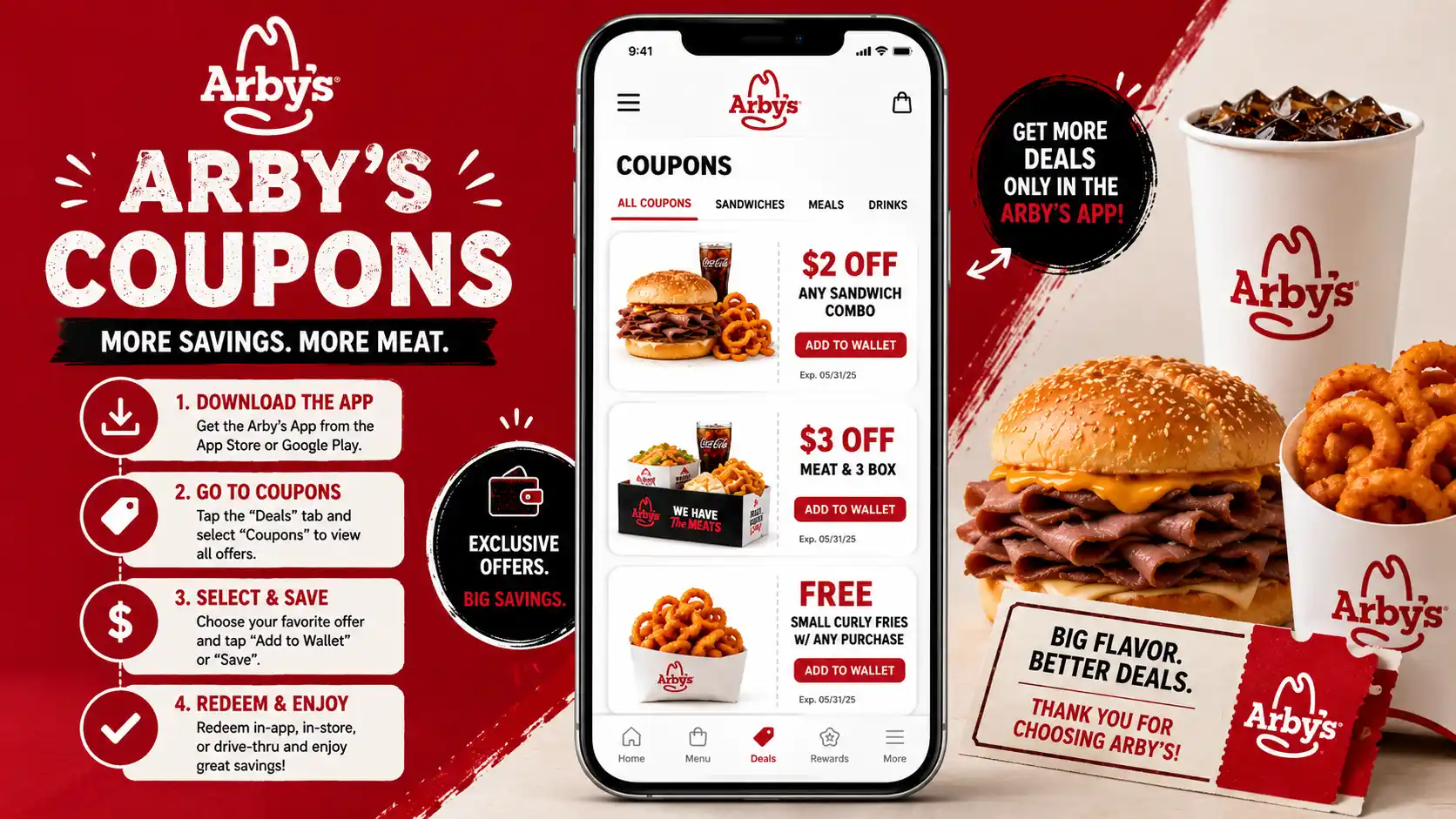
Add your gift card to the Arby’s app (iOS and Android) to track your balance, see transaction history, and combine it with Arby’s coupons and Rewards deals for extra savings on every visit.
How to Check Your Arby’s Gift Card Balance
Knowing your balance before you get to the counter saves a lot of awkward moments at the register. There are four ways to check it, all of them free. We cover the full process in detail in a separate guide on “Arby’s Gift Card Balance,” here’s a quick overview of each method available right now.
Online (Fastest)
Visit arbys.com/gift-cards and scroll to the balance check section. Enter your card number and PIN. Your balance shows up instantly, 24 hours a day, 7 days a week.
By Phone
Call 1-800-699-5802, Arby’s automated gift card balance line. Have your card number and PIN ready. The system reads your current balance back in seconds.
Arby’s App
Add your card to the Arby’s app on your phone. The app displays your current balance anytime, shows recent transactions, and helps you manage spending across multiple visits.
In-Store
Hand the card to a cashier at any participating Arby’s. They run it through the register and tell you the exact balance on the spot, best option if you’re already heading in.
Can You Reload Your Gift Card Balance?
This depends on where you bought the card, and it’s an area where a lot of conflicting information shows up online. Here’s the accurate breakdown based on Arby’s official policies, so you know exactly what to expect before you try to add funds.
| Card Source | Reloadable? | What to Do |
|---|---|---|
| Purchased at Arby’s restaurant or arbys.com | Varies by card | Some of these cards can be reloaded at participating Arby’s locations. Ask at the counter to confirm your specific card is eligible before assuming. |
| Purchased at Walmart, Target, Amazon, or retail stores | Generally No | Third-party retail gift cards are typically single-use. When the balance hits zero, you will need to buy a new card from any available channel. |
| eGift cards (digital) | No | Digital gift cards are not reloadable regardless of where you bought them. Once the balance is spent, you purchase a new eGift card. |
If you specifically want a reloadable card, buy directly from Arby’s, at a restaurant location or through arbys.com, and confirm with the team member at the counter before assuming you can add funds later. Not every card from every location supports reloading.
Arby’s Gift Card Bulk Ordering
Arby’s gift cards are available for bulk purchase, making them a practical choice for businesses, HR teams, and organizations that need to reward employees, run customer incentive programs, or manage large-scale gifting campaigns. Bulk ordering gives you the ability to distribute many cards at once, often with faster digital delivery and volume pricing.
Whether you’re an HR manager distributing employee recognition rewards, a small business owner planning a customer loyalty campaign, or an event coordinator gifting hundreds of attendees, these gift cards work well because they never expire and carry no fees, which means recipients can use them on their own schedule without any pressure.
Who Uses Bulk Arby’s Gift Cards?
Employee Recognition
HR teams and managers use these gift cards to reward performance milestones, work anniversaries, and team achievements. Cards can be distributed digitally in minutes to large groups without any shipping delays.
Customer Incentive Programs
Businesses include these gift cards in referral programs, loyalty campaigns, survey rewards, and promotional giveaways. The no-expiry policy means customers can redeem them whenever they’re ready, reducing friction.
Corporate & Holiday Gifting
Companies purchasing gifts for large teams or client lists use bulk gift cards to simplify logistics. Instead of coordinating physical gifts for hundreds of people, digital bulk cards can be ordered and delivered in hours.
Where to Buy Arby’s Gift Cards in Bulk
Several trusted B2B platforms offer Arby’s gift cards in bulk quantities with digital delivery options and business-level pricing. Here are the main platforms where organizations can source them at scale.
| Platform | Order Minimum | Delivery | Best For |
|---|---|---|---|
| Blackhawk Network (BHN) | Custom quote | Digital & Physical | Large enterprise programs, API integration |
| GiftYa / PerfectGift | Up to $10,000+ | Digital | Mid-size businesses, incentive campaigns |
| GIFQ | Flexible B2B pricing | Instant digital delivery | Global reward catalogs, API-based programs |
| eGifter Rewards | Varies by account | Digital | Employee reward platforms, HR teams |
| Amazon Business | No minimum | eGift via email | Small businesses, one-time bulk orders |
Bulk purchases above certain thresholds typically require business verification and may come with dedicated account support, API access for reward platform integration, and volume-based pricing. Contact your chosen platform directly for a custom quote.
Common Problems with Arby’s Gift Cards and How to Fix Them
Gift cards are simple most of the time, but a few common issues come up regularly. Here’s how to handle each one so you’re not stuck at the counter trying to figure things out on the spot when it matters most.
Card Not Working at the Register
The most likely cause is that the card was never activated at the point of sale. If you bought it from a retail store, go back with your receipt, the store cashier needs to activate it at checkout. If it was bought online and your order shows as complete, contact Arby’s customer support with your order number.
Can’t Find the PIN
The PIN is on the back of the card under a silver scratch-off panel. Scratch it gently with a coin and the digits should appear clearly. If the panel is damaged or the number is unreadable, contact Arby’s support at arbys.com/contact-us with your card number and proof of purchase.
Balance Shows $0 Unexpectedly
Check your recent purchase history first to confirm you didn’t spend it. If the balance disappeared without your knowledge, report it to Arby’s immediately through the contact form at arbys.com/contact-us. Include the card number and your original purchase receipt. Unauthorized use on an unregistered card is very difficult to reverse.
Invalid Card Number Error Online
Double-check the 16-digit card number carefully, the numbers 0 and O (zero and the letter O) are often misread. Re-enter slowly. If the error persists, the card may not be activated or may have been issued from a location not synced to the online portal. Call 1-800-699-5802 to verify the balance by phone instead.
Lost or Stolen Card
Arby’s officially treats gift cards like cash, they will not replace a card that is lost, stolen, damaged, or used without authorization. However, if you have proof of purchase and contact support at arbys.com/contact-us quickly, they may be able to assist in some cases. It is not guaranteed, but it is worth submitting a request immediately.
Best protection tip: Take a photo of both sides of the card (with the PIN clearly visible) the moment you receive it. Store that photo somewhere safe, if the card is ever lost, you will have the number and PIN on hand for a support inquiry.
Tips to Get the Most Out of Your Arby’s Gift Card
A gift card is only as useful as how well you manage it. These tips make a real difference, whether you’re a regular Arby’s customer or giving one as a gift to someone who loves their roast beef and curly fries.
Check the Balance Before You Go
Knowing exactly what’s on the card before you order means zero surprises at the counter. It takes 30 seconds at arbys.com or through the Arby’s app, and it saves the awkward conversation mid-order.
Stack It with Arby’s Rewards
Paying with a gift card doesn’t stop you from using Arby’s Rewards program discounts and app-only deals at the same time. Use both together to get more value out of every single visit.
Pick the Right Amount for the Occasion
A $15 card covers a solid individual meal. $25 handles a combo with extras. $50 works well for a small group or multiple visits. $100 or more is a genuinely thoughtful gift for a regular Arby’s fan.
Buy Digital for Last-Minute Gifts
An eGift card from arbys.com or Amazon can arrive in someone’s inbox within minutes of purchase. If you’ve forgotten a birthday or need a gift today, the digital option is your fastest path to a useful, ready-to-use gift.
Combine With Arby’s Deals
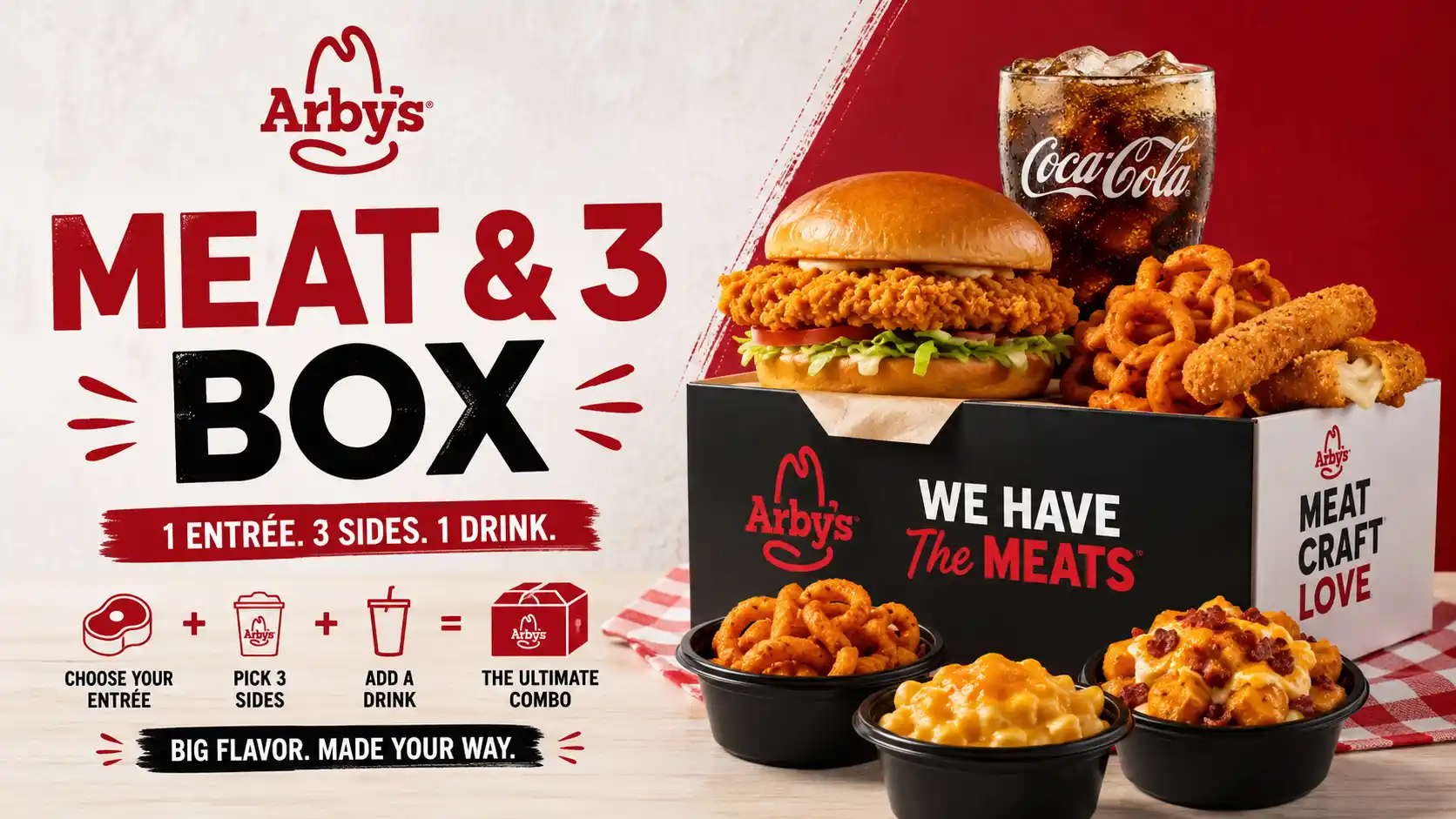
Gift cards can generally be combined with active promotions like the Meat & 3 Box or 2-for-$7 deal. Check what’s currently on in the app before you go so you know exactly what to order for maximum savings.
Register the Card in the Arby’s App
Adding the card to your Arby’s app account ties the balance to your profile, makes it easier to track, and offers some protection if the physical card ever goes missing or gets left somewhere.
Arby’s Support Contacts For Gift Cards
If you have an issue that a balance check or this guide can’t solve, here are all the official ways to reach Arby’s for gift card help. Having your card number, PIN, and proof of purchase ready before you contact them speeds up the process significantly.
FAQs
Does Arby’s sell gift cards online?
Yes. You can buy physical gift cards and eGift cards directly at arbys.com/gift-cards. Physical cards are shipped to your address, and eGift cards arrive by email and can be used the same day you order. Amazon, eGifter, and Fluz also sell Arby’s eGift cards online in amounts from $15 to $100.
How do I check my Arby’s gift card balance without a PIN?
The PIN is required for online balance checks at arbys.com. If you can’t find it, look on the back of the card under the scratch-off panel. If the panel is damaged or missing, call the automated balance line at 1-800-699-5802 or visit an Arby’s restaurant and ask a cashier to check it for you.
What is the Arby’s gift card phone number?
The automated gift card balance line is 1-800-699-5802, available 24/7. For general customer support including lost or damaged cards, call 1-800-599-2729, available Monday through Sunday from 7 AM to 11 PM CT. You can also submit card issues through the contact form at arbys.com/contact-us.
Can I use a gift card for Arby’s drive-thru orders?
Yes. Gift cards work at the drive-thru window exactly the same way they work inside the restaurant. Hand the card to the window attendant when you’re ready to pay. They swipe or scan it and tell you the remaining balance after the transaction completes.
Can I use an Arby’s gift card on DoorDash or Uber Eats?
No. Arby’s gift cards are not accepted on third-party delivery platforms like DoorDash, Grubhub, or Uber Eats. For orders placed directly through arbys.com, check at checkout whether gift card is offered as a payment option, as this can vary. For in-store, drive-thru, and Arby’s app orders, they work without any issue.
What happens if my order is more than my gift card balance?
No problem at all. Tell the cashier you want to use the gift card for part of the payment. They apply the full gift card balance first and you pay the remaining amount with cash, debit, or credit. Most Arby’s locations can also split the payment across two gift cards if you have multiple cards with small balances remaining.
Can I get cash back from an Arby’s gift card?
Generally no. Per Arby’s official terms, gift cards are not redeemable for cash. The one exception is if you live in a state that legally requires retailers to give cash back for small remaining gift card balances, some states have laws around this for balances under $5 or $10. Check your state’s gift card laws to see if you qualify.
Is there an Arby’s gift card balance app?
Yes. The official Arby’s app (free on iOS and Android) lets you add your gift card and check the balance anytime from your phone. The app also shows transaction history, lets you use the card for in-app orders, and sends low-balance notifications. It’s the most convenient way to manage your card if you use Arby’s regularly.
Conclusion
An Arby’s gift card is simple, flexible, and genuinely useful, whether you’re buying it as a gift, using one yourself, or sourcing them in bulk for a business program. No expiration date, no fees, and multiple ways to buy and use it make it one of the more practical fast-food gift options available. Buy it online for speed, buy it in-store for that physical feel, or order in bulk through a B2B platform for your team. Either way, the person receiving it spends it exactly how they want, on their own time. Combine it with Arby’s deals, coupons, or the Arby’s Rewards program to stretch every dollar even further.